The system activity requires the input parameters to execute the function. The input parameters consist mainly of predefined individual fields and parameter lists that you can freely apply. You increase or decrease the size of the parameters lists by clicking the plus or minus signs, respectively.
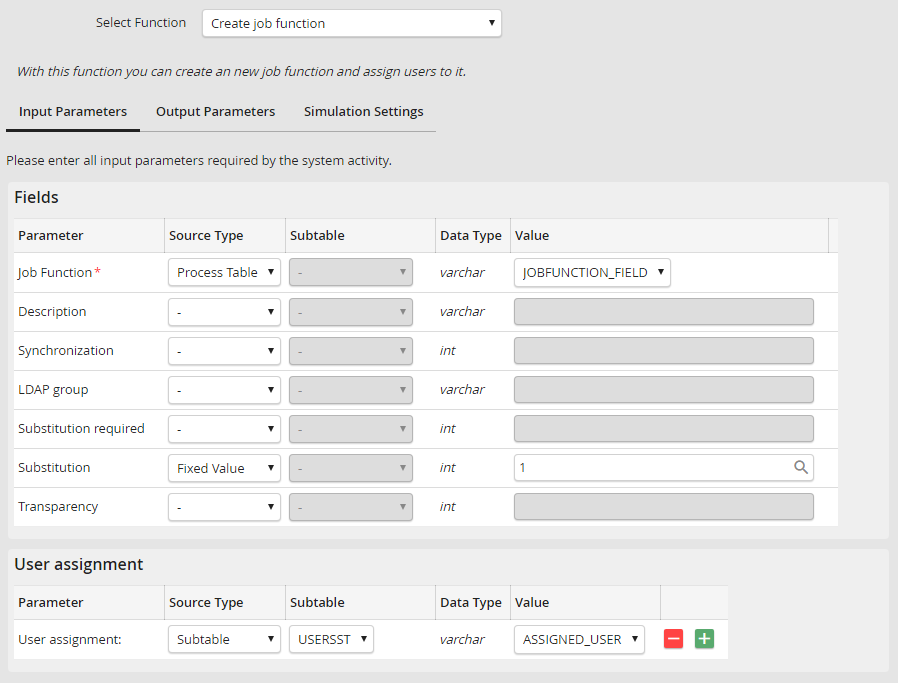
System Activity Parameter Lists
The individual fields may be populated from available resources, for example, the process table and its values. You can also enter static values.
The fields marked in red are required and must be filled in. If you leave a required field empty, an error message will be displayed as soon as you attempt to save the settings.
If you decide to enter a static value, clicking the  symbol displays the process and system fields.
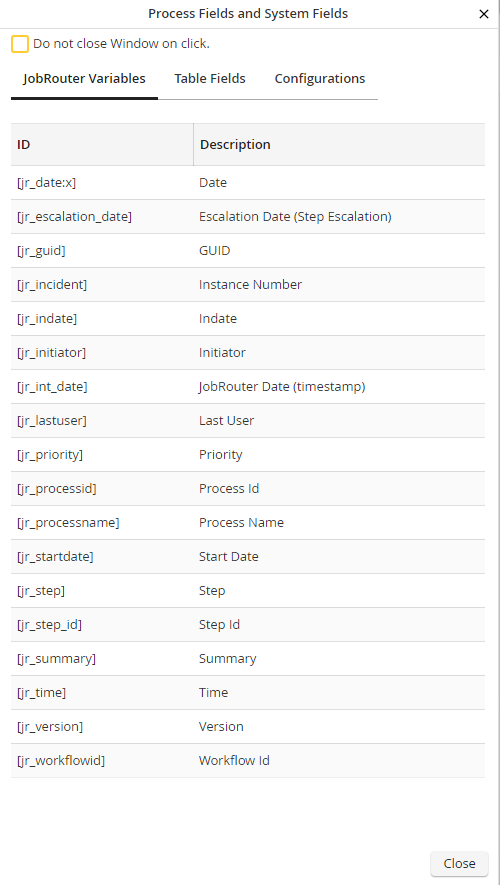
System Activity Process and System Fields
This window displays the JobRouter variables as well as your process table fields. But you can also enter whatever static data you like.
