JobRouter Designer filters allow you to quickly sort and sift your entries. You may select and display entries based on one or more properties you specify. Filters can be employed in the following areas.
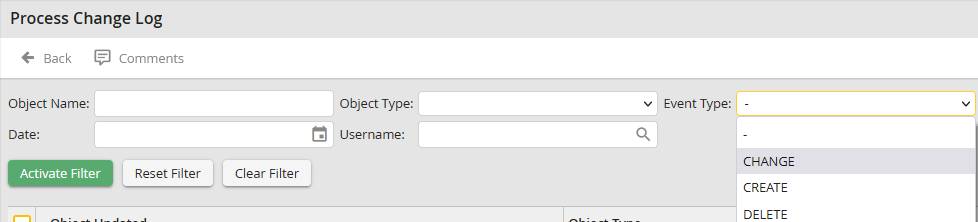
Filtering in the Change Log
Filter property |
Description |
|---|---|
Object name |
Name of the changed object |
Object type |
Select the type of object, for example, rule, table, etc. |
Event type |
Select the event, i.e. whether the object was changed, created, or deleted. |
Date |
The date of the event. |
Username |
The username that caused the event. |
Lists
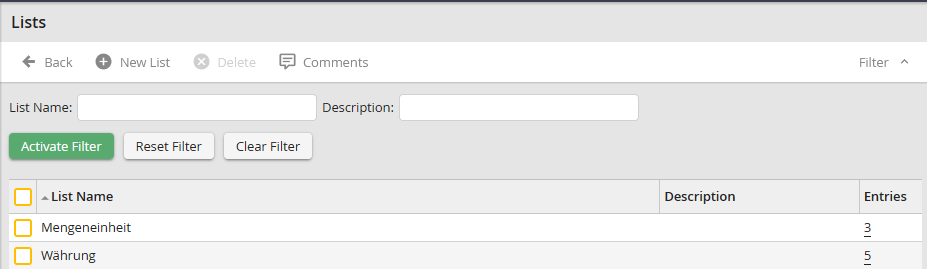
Filtering Lists
Enter the name of the list you want to search.
PHP functions

Filtering PHP Functions
Filter property |
Description |
|---|---|
Function name |
The name of the PHP function |
Description |
The description of the PHP function |
Type |
Choose whether you want to display only execution functions or conditional functions. |
Version |
Choose the desired version. |
Source code |
Type in some source code you want to search for. |
Process analysis

Filtering Process Analysis
Filter property |
Description |
|---|---|
Weighting |
Filter by critical or non-critical status. |
Result |
Filter by the message type (error, warning, OK). |
Category |
Filter by the category. |
Process comments
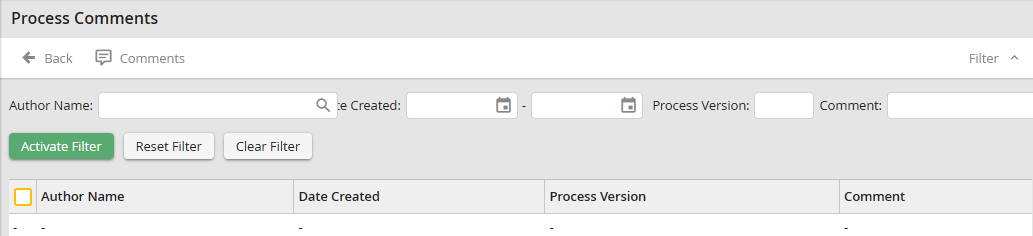
Filtering Process Comments
Filter property |
Description |
|---|---|
Username |
User name that entered the comment |
Date Created |
Date the comment was entered |
Process version |
Version of the process |
Comment |
Text of the comment |
Process messages
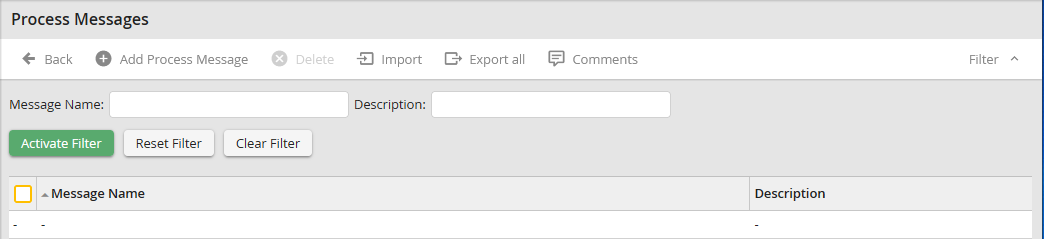
Filtering Process Messages
Enter the name of the message you wish to filter on.
Process Table
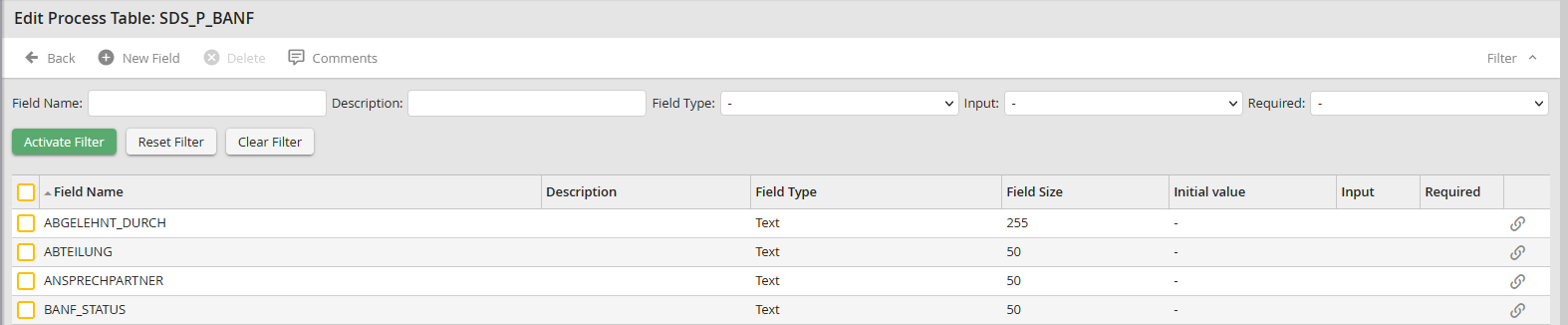
Filtering the Process Table
Filter property |
Description |
|---|---|
Field name |
Name of the process table field |
Description |
A field label |
Field type |
You can filter based on certain field types that you have defined. For more on field types, See chapter Creating the process table. |
Scripts
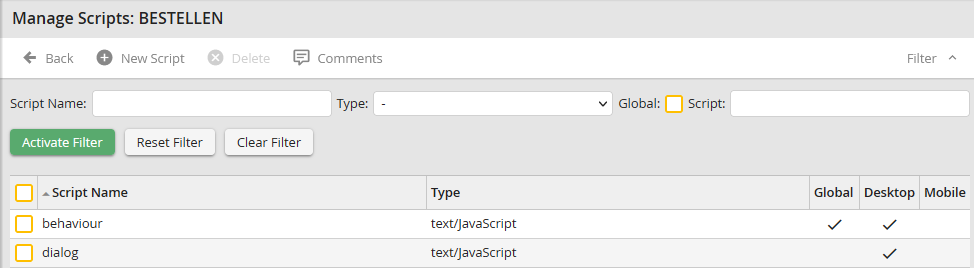
Filtering Scripts
Filter property |
Description |
|---|---|
Script name |
Name of the script. |
Type |
Select the type of script. |
Global |
Specify whether it is a global script. |
Script |
Script source code. |
