To export a process click on the checkbox of the required process in the process overview. Click on the Export button in the action bar. A pop-up window will open.
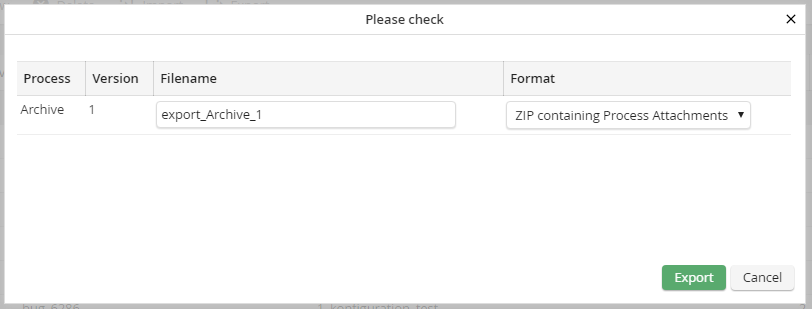
Dialog window for process export
Here you can choose, if the process shall be exported as a ZIP file, a ZIP file including process attachments, or in XML format. Select one format and change the name of the export file, if necessary. By clicking on Export the export file will be created. The file will be saved in the JobRouter directory /export . Alternatively, you can download the file via the link in the Download column.
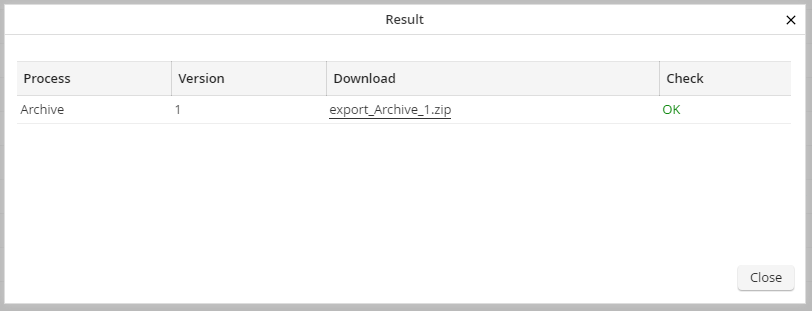
Dialog window for the download of exported processes
You can use the export to Import the process into another JobRouter system.
