To create a new step in the Designer navigation menu go to the Workflow | Steps section. Click on New step in the action bar of the step overview.
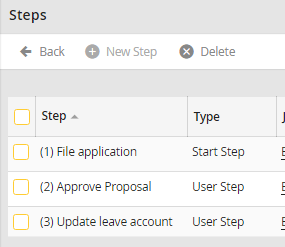
Create a new step
If you want to modify an existing step, click on the step label. The Edit step mask opens. Make your entries and/or modifications, then click Save to store you entries and to be taken back to the steps overview.
