Use the Designer to connect steps graphically. For example, you can easily display a different workflow for a rule.
Draw a line from one step to another to link them.
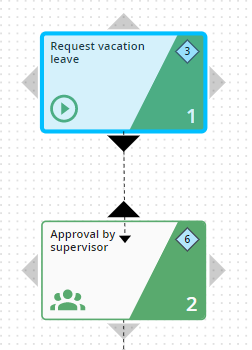
Connect steps
The connection to the second step is made.
If you are in Following step mode, please change to the Selection mode in the action bar.

