If you want to delete a step, right-click on the step icon. The context menu is displayed.
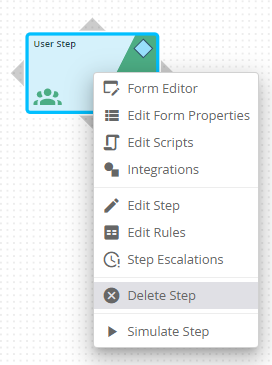
Delete step
Clicking on Delete step the following confirmation prompt appears.
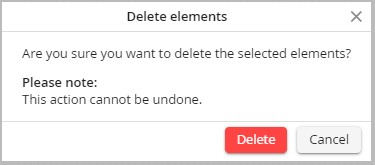
Delete security question for step
Confirm with Delete. The step will be deleted.
You can also select and delete multiple steps at once.
