The SharePoint system activity can be used to upload and download files and documents to SharePoint lists or document libraries.
The Read, Add and Update functions can be used for this purpose.
With the Update and Add functions, files are uploaded in the Input Parameters tab in the File Assignments section. For this purpose, an attachment field in the process table or a sub-table can be used. Select the Attachments option as a parameter.
The files and documents can be found in the SharePoint list by selecting an entry and then clicking the Attachments option.
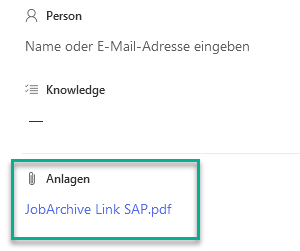
Attachments
With the Read function, files can be downloaded in the Output Parameters tab in the File Assignments section. For this purpose, an attachment field in the process table or a sub-table can be used. As a parameter, select the Attachments option.
