Creating a step in the Flowchart Editor affords you an overview of all the system activities available in JobRouter Designer. Go to the designer navigation under Map, and right click to create a new system activity (See chapter Creating steps). Then right click the step symbol and go to Modify system activity. The following overview appears.
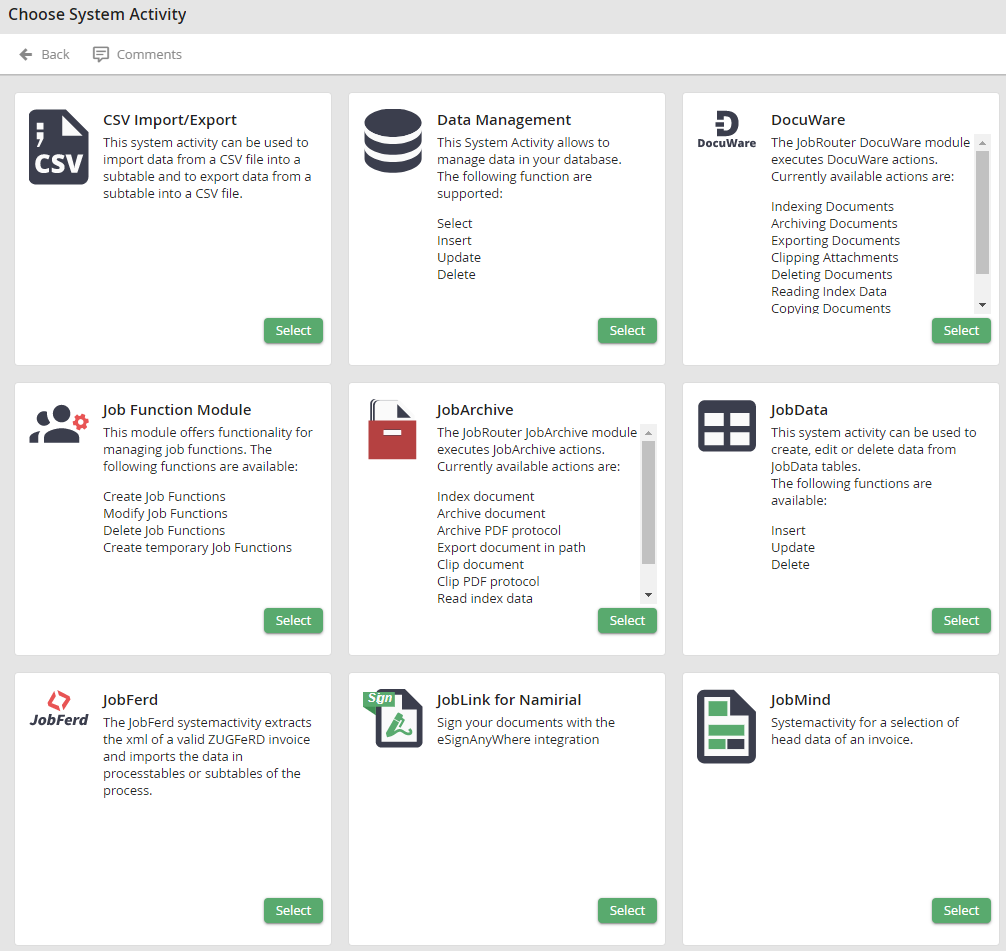
Select system activities
If you have installed some add-on modules, JobRouter Designer gives you further options (see DocuWare, JobSign). If a module is not yet licensed, it will be marked as such. Modules are available only after licensing them. Click the Select button to access the modify mode of the selected system activity.
