To make templates available for system activities they have to be stored as process or global configurations of the type JobPDF Word template.
For this, go to the menu Global Configuration or in the process designer to the menu Process Configuration and enter a new configuration.
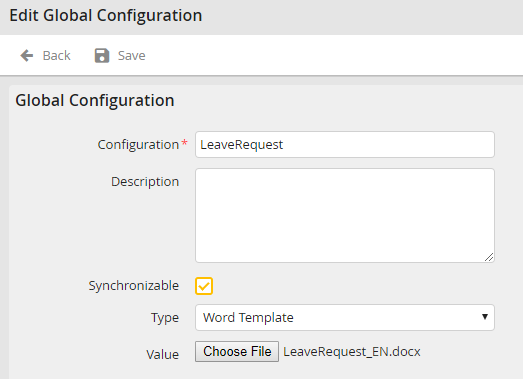
Select JobPDF Word template as type and load a file to the server by using the button Select file. Subsequently, you can use the template in the system activity of the type JobPDF. During the export and import of processes the templates will also be copied, if the option Synchronizable was activated.
