To provide the system activity template, you must store this process or global configuration in the form of a Word template.
Therefore, go to the menu point Global Configurations or Process configuration in Process Design and insert a new configuration.
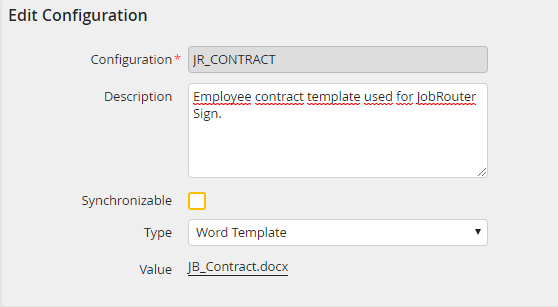
Choose Word template in Types and upload a file to the server via the Choose file button. Then you will be able to use the template in the system activity of JobRouter Sign type. During the export or import of a process the templates are copied, if the option Synchronizable is activated.
