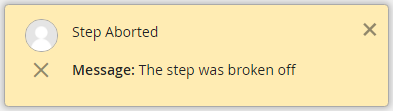
Activated steps that are no longer necessary or that were started by mistake may be canceled. Those can no longer be edited, until they are reactivated. The corresponding instance will be closed.
The screenshots show the popup for the reminder date once in a classic dialog and once in a modern dialog.
Click on Cancel to open the following pop-up window.
The screenshots show the popup once in a classic dialog and once in a modern dialog.
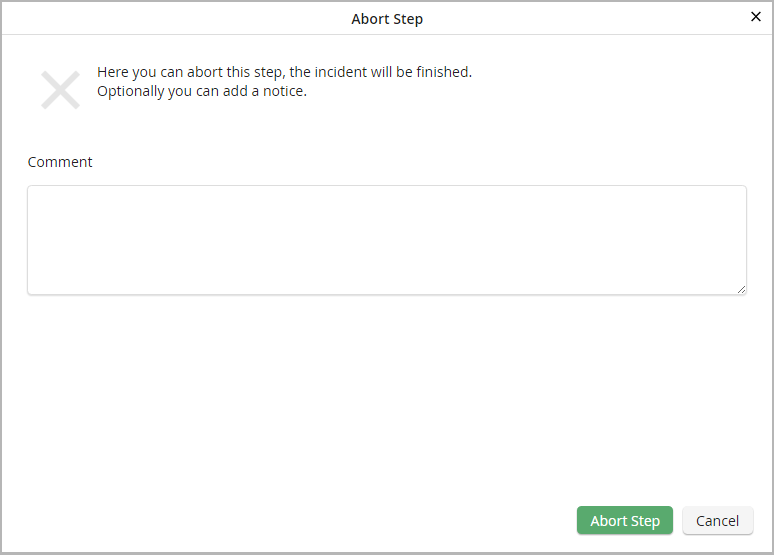
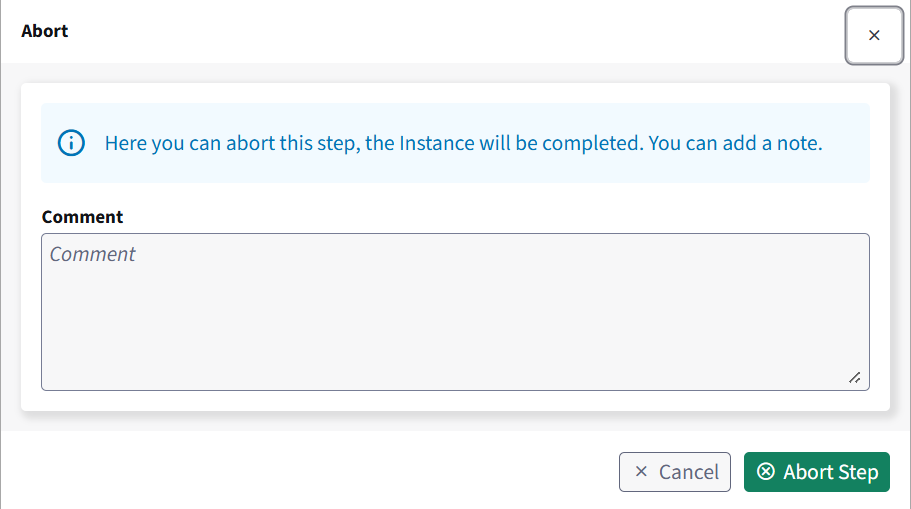
A comment is optional. It will be displayed when the step is opened in the step overview.