In the simulation settings you specify how the module should behave when the step is run in simulation.
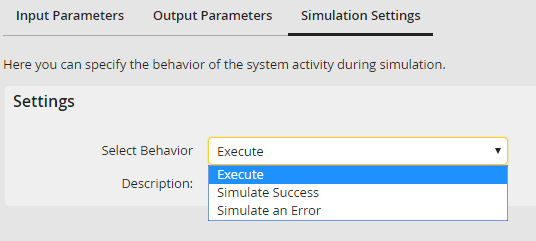
Simulation settings
You can simulate three situations.
Simulation Settings |
Description |
|---|---|
Execute |
•Executes the function under normal conditions. •Successful actions as well as errors are handled real. •You achieve a real-time simulation. |
Simulate success |
•Simulates the successful execution of the function. •The system will ignore errors during the execution of the step. |
Simulate error |
•Simulates an error during the execution of the action. •Use this to test error handling. |
Specify in the step properties whether the execution of the process should be stopped or continued if an error occurs. When terminating the process the step is given an error status during the simulation. If the process is continued you can submit an error message to the process. You can use these error messages in the rules (See chapter Rules). This allows considering errors even in the process design.
