You can arrange for the user to receive a notification after he sends a Form. Enter a subject into the subject line, as well as the message text in the Text field. Clicking the symbol  allows using process and system fields.
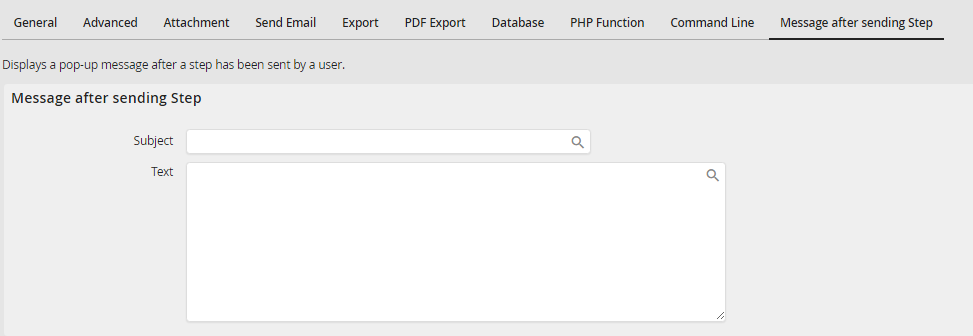
Arranging notification for a form sent
Please note: The message after sending will only be displayed in user steps once directly after the rule execution by the user. If sending in the background is activated in JobRouter, these messages will not be displayed.
