Script tags were automatically inserted if you chose JavaScript or VBScript as scripting language, so you can starting coding directly within the editor.
JavaScript Example:
function functionname()
{
// Add your function here
}
JobRouter Designer provides some elements and functions that you can use in your scripts.
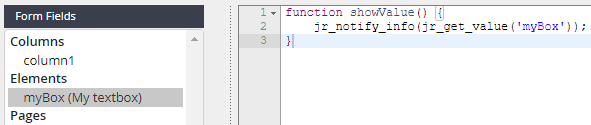
Form fields
Under form fields you find all the fields you have set up in the selected form.
Process configurations
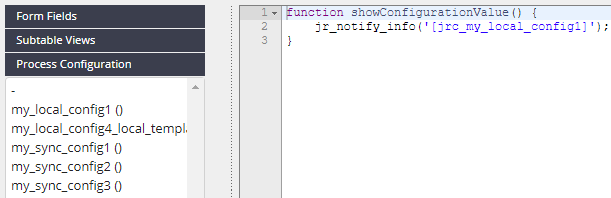
If you have created configuration parameters under Process configurations, you can use them in your scripts. The configurations can be addressed as follows [jrc_configurationname].
Process messages
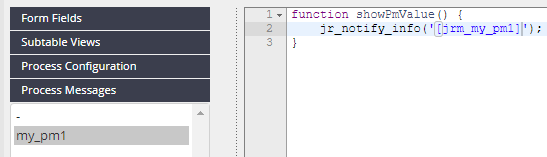
If you have created messages in Process messages, you can use them as default values in the script editor. The messages can be addressed as follows [jrm_messagename].
JavaScript functions
More information can be found in the JavaScript API manual.
JavaScript templates
JavaScript Templates contains templates that you can use to help you write your own functions.
