Before you are a able to create subtable fields, the subtable itself has to be created. Click Subtables in the designer navigation menu. You will see an overview of all previously established subtables.
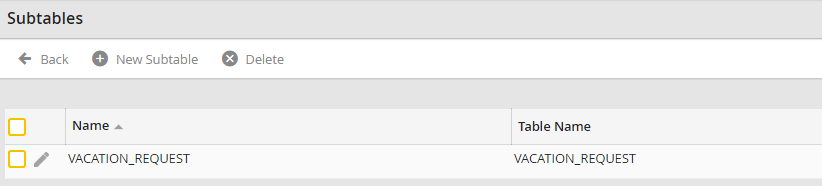
Subtable Overview
Click New subtable in the upper menu bar to view the Add/Modify Subtable form window.
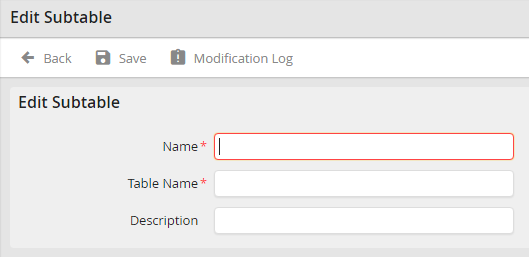
Edit subtable
Assign a unique name to your subtable in the Name field. As it will be used to access the subtable it has to be assigned.
Enter the name that is used to create the subtable in the database in the Table name field.
Please note: The values used in Name and Table name are fixed in the database. They can not be edited subsequently.
Add a short description of the subtable in the Description field, then click Save to save your entries and be taken back to the subtables overview.
You can alter the subtable description. Click the name of the subtable in the subtable overview to bring up the Edit subtable form window. Make the desired change, then save it as described above.
