The function Show shortcuts gives you an overview of where the table field is used in the process. You can access this display via either the field overview or in the Modify field mode by clicking the symbol  when in the field overview. Whether you are adding a new field or modifying an existing one, the Show shortcuts function is in the action bar. In all three cases, a pop-up window opens to show all the links to this table field.
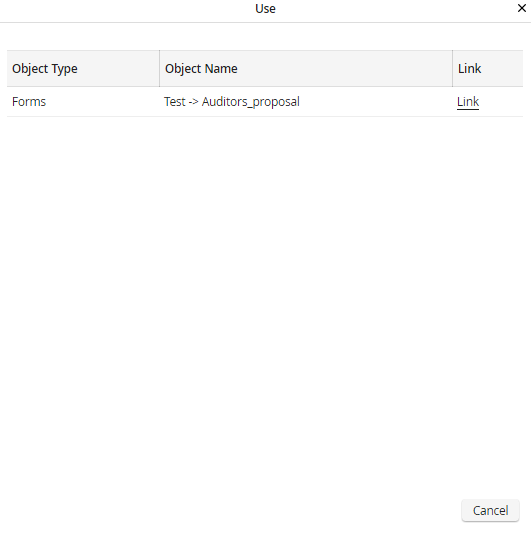
Shortcut overview
The following information is displayed.
Link property |
Description |
|---|---|
Object type |
Shows where the field is used in the process, for example, in a form or in a rule. |
Object name |
This is the name of the process element in which the field appears. |
Link |
Click the link to open the given object. For example, you can land directly inside the form in which the field is used. |
