On this tab you can define the Output Parameters.
Fields
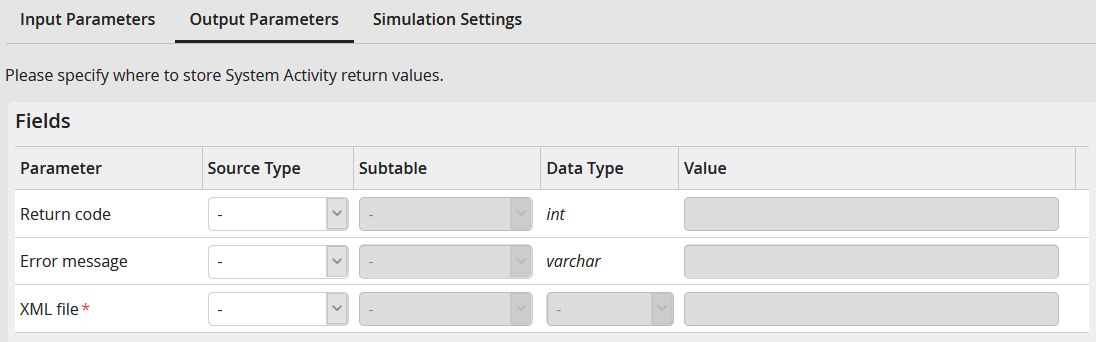
Output parameters: Fields
Return code
This parameter contains the value 1 if the action was successful, otherwise the value -1.
Error message
If an error occurred while executing the action, this parameter returns the error message.
XML file
Here you specify the column to which the extracted XRechnung (xml file) is transferred.
Please note: If file path is selected as the Data Type, the XML output path parameter must be configured for the Input Parameters in the Fields section.
