The system activity DLL files are executed by the JobActivity service. As testing them is complex, we suggest creating a test project in Microsoft Visual Studio.
You can use the example system activities found in the ZIPs as basis for your implementation.
Create a new Class Library project for .NET 10.0 (Long Term Support) or .NET Standard 2.x.
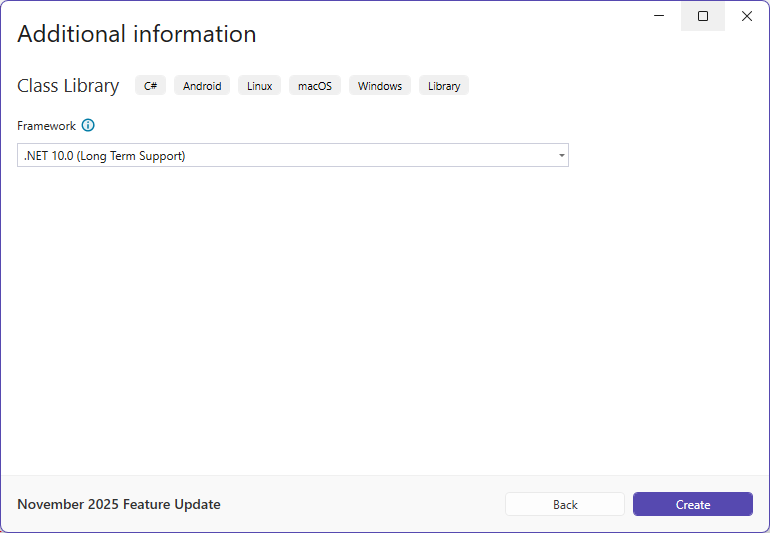
.NET 10.0 (Long Term Support)
In the project settings, select as Build Platform target Any CPU or x64.
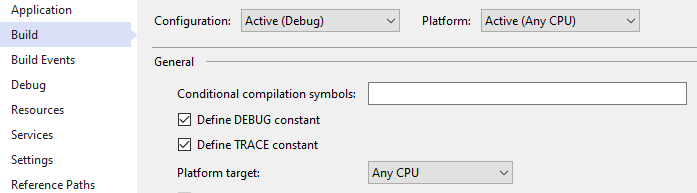
Please note: The JobActivity service runs as a 64-bit application. All self-created system activities must be compiled with it as Any CPU or x64. Any dependencies and third-party libraries used must support 64-bit.
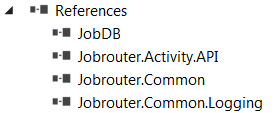
Copy the necessary DLLs (JobDB.dll, Jobrouter.Activity.API.dll, Jobrouter.Common.dll, Jobrouter.Scalability.Common.dll and Jobrouter.Common.Logging.dll) from the JobActivity folder (by default C:\Program Files (x86)\JobRouter\JobActivity) into the project folder and attach them as references:
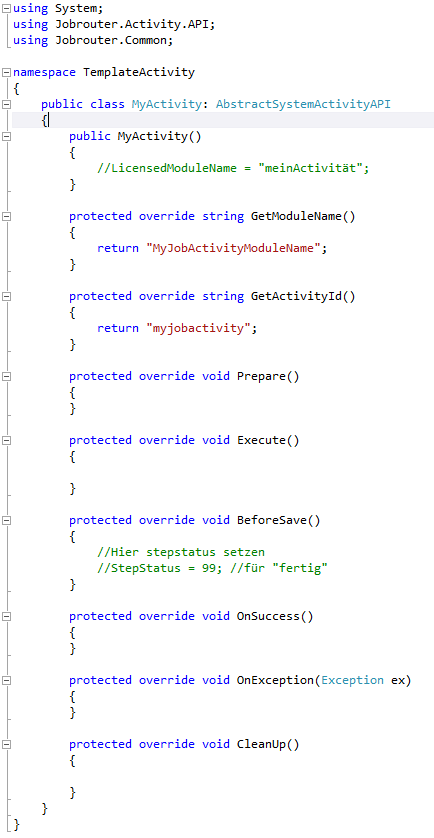
The following steps are necessary for a functioning basic framework of a system activity:
•Include the necessary namespaces via the using directive
•Extend the AbstractSystemActivityAPI class
•Implement the abstract methods of the parent class
•Implement your own features
To comfortably debug your own application, it might be useful to add a console application to the project folder and add your system activity as reference:
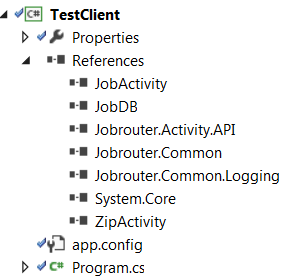
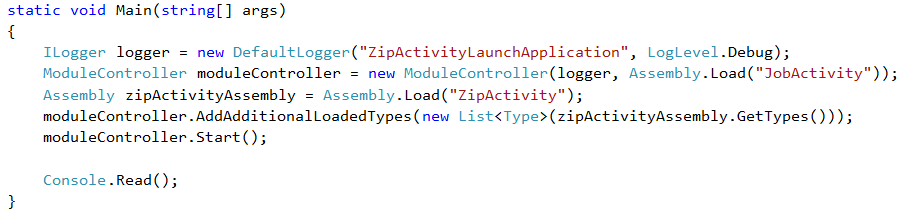
The JobRouter connection settings are configured the same way as the JobRouter services (see Installation Manual).
