To additionally enhance the security for accessing the JobRouter web service, next to the possibility to use the integrated windows authentication (NTLM), there is the option to validate the certificate when accessing the web service through HTTPS (SSL). The following paragraphs explain which configuration settings are necessary to implement this.
Integrated Windows Authentication (NTLM)
If you use the integrated Windows authentication (NTLM) in JobRouter, you also have to activate the NTLM authentication for the web service and enter a Windows user who has reading permissions for the JobRouter web service (soapservice.php file).
1.Activate the NTLM authentication in the web service configuration. The menu can be found under Admin Tools > Configurations > Web Service.
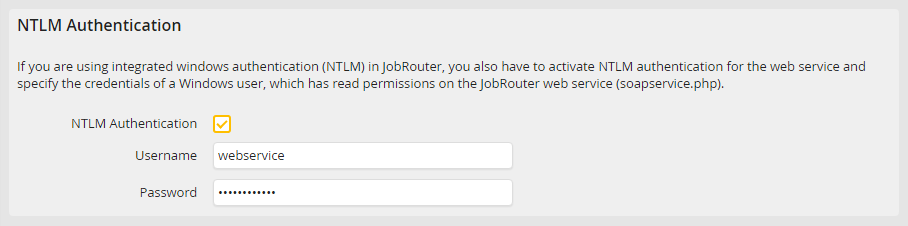
2.Tick the box NTLM Authentication.
3.Also add the username and password of the Windows user to be used for accessing the web service.
Certificate secured access through HTTPS (SSL)
When the JobRouter web service is called up through HTTPS (SSL) and a certificate validation should be carried out, please do the following:
1.Activate the certificate secured access in the web service configuration. The menu can be found under Admin Tools > Configurations > Web Service.
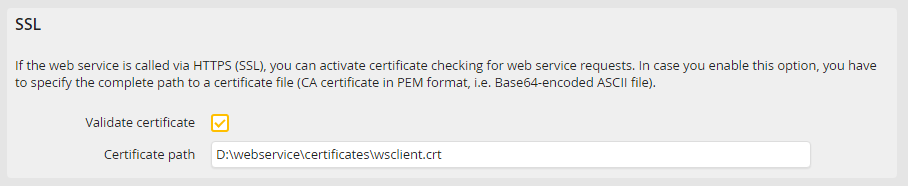
2.Tick the box Validate certificate.
3.Enter the complete path for the certification file here (CA certificate in PEM format, so the Base64-coded ASCII file).
