If your rule is only executed under certain conditions and/or is linked to certain values, define an if/then rule. In the rule's form mask in the Condition section, select Define conditions in the drop-down list. The following choices are available.
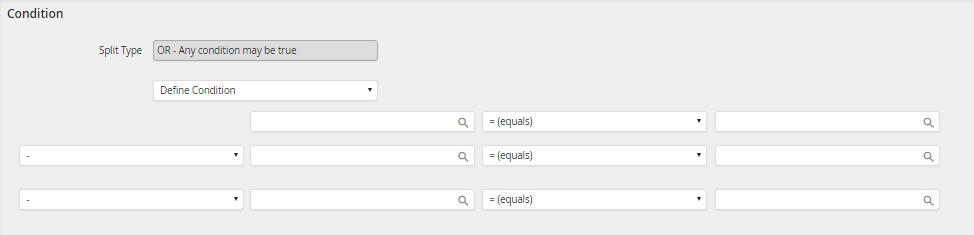
Defining rule conditions
In the condition fields, fill in the name of the process field enclosed in parentheses (fieldname) or the name of the form field enclosed in brackets [fieldname] to compare against. The value of this field will be checked at process run-time against a static value you provide or against the value of another field. Click on the symbol  to open a pop-up window with a list of these process and system fields.
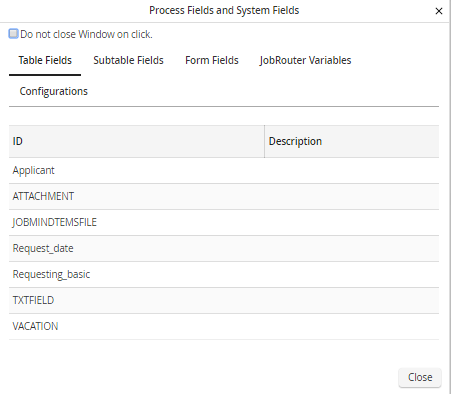
Process and System Fields
You will see the fields of your process table, subtable, and form(s), as well as the JobRouter variables. When you select a value, the window will automatically close, and that value will be transcribed to the corresponding field in the form window.
You can use the following logical operators to compare a field against a static value or against another field.
Logical operator |
Description |
|---|---|
= |
Is equal to |
<> |
not equal to |
< |
less than |
<= |
Is less than or equal to |
> |
greater than |
>= |
Is greater than or equal to |
LIKE |
Contains |
NOT LIKE |
Does not contain |
You can combine several conditions by using AND or OR.
Please note: The AND operator has a higher value than the OR operator.
