To copy rules, check the checkboxes of the corresponding rules in the rules overview for one step. Click Copy rule to... in the action bar.
In the following popup dialog you will find all steps of the current process. 25 steps are displayed per page. The search window at the top can be used to search specifically for a step across all visible fields.
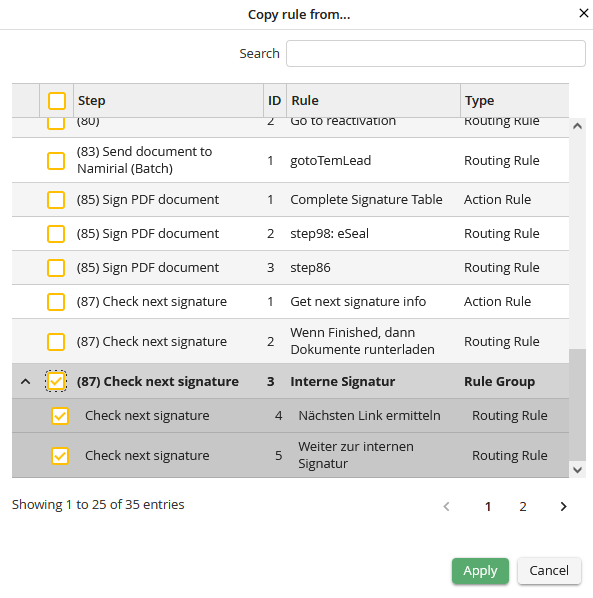
Select destination step
Click the desired step to add the selected rules.
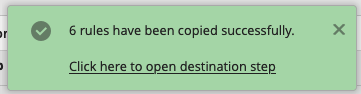
You will find a direct link to the destination step in the success notification.
Please note: Please correct the settings of the copied rules, if these do not exactly fit in this step.
If you select a rule group to copy, the complete rule group together with the contained rules will be copied to the target step.
