Add a new process message by clicking Resources | Process messages in the Designer navigation menu. You will see an overview of all previously defined messages.
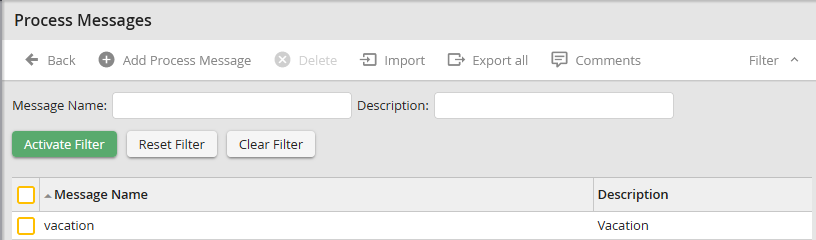
Process Messages Overview
The overview shows both a name and a description of the individual messages.
Click Add process message in the action bar to add a new message.
You can modify an existing message by clicking on its name.
The following form window is available when modifying a message.
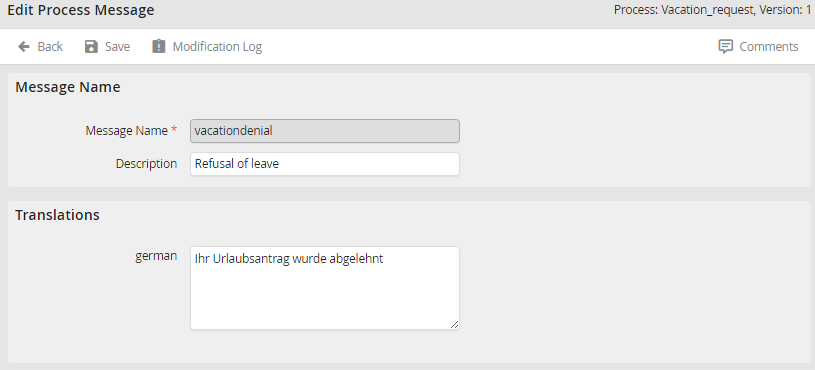
Modify process messages
Enter a unique name for your message in the required field Message name.
Please note: The process message name cannot be modified after saving.
Describe the message in the Description field. In the Translation section there are various text input fields that correspond to the number of language versions defined for the process. Enter the text for the message in different languages. Click on Save to save your entries and return to the process message overview.
