Every section consists of one or more rows. To add a new row, click the symbol  in the section field. The context menu of the cursors shows Insert row . The row is directly inserted. The row properties can be added later. Click the symbol
  to open the editing mask for the row properties.
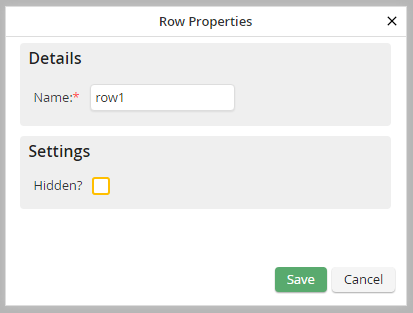
Row properties
You can specify the following row properties.
Property |
Description |
|---|---|
Name |
Enter a row name. This is used for the intern identification of the row. This input is not mandatory. |
Hidden? |
Check the box to cause the line to be hidden when the form is loaded. |
