Select which action you want to perform for specific attachments in the Attachment tab.
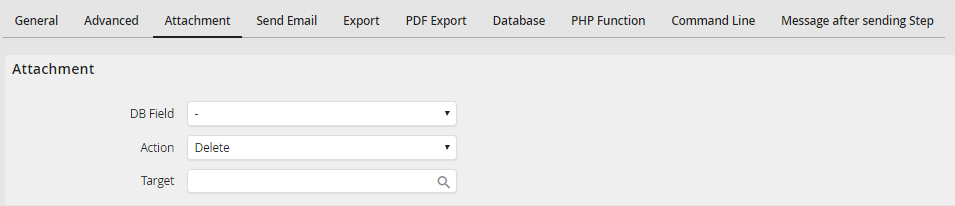
Attachment
Select a process table field in the DB field pick list that contains a reference to the files. Delete, copy and move are possible actions.
In Destination specify the destination for the copied or moved file. Clicking the symbol  allows you to use the process or system fields for your entries. If a complete path including file name and file extension is stated, the attachment will be written in exactly this file. If the file already exists at the target location, it will be overwritten. If only the directory is provided, a new folder will be created and the attachment will be stored there using the original file name. A random GUID will be created as name of the sub folder when using the hierarchical structure. If using the flat structure, the GUID from the uploads directory will be used.
Please note: When copying or moving a file, write permissions are required in the target directory for the executing user.
