This function sends e-mail messages from a rule.
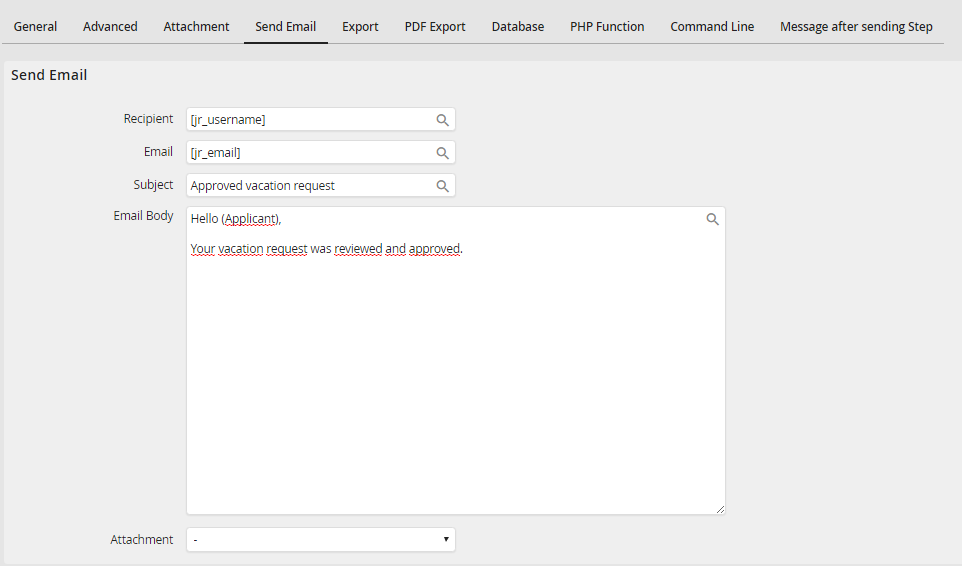
Sending an email
Enter the recipient's name in the Recipient field, his e-mail address in e-mail, the subject in Subject, and the e-mail text itself in E-mail text. And you can add an attachment at Attachment using the drop-down list. Click on the symbol  to make use of process and system fields for your entries.
Please note: If a user name is entered in the recipient field that exists in JobRouter, the user specific variables will be solve in other e-mail fields.
