To create or edit a form in the form designer, use one of the following accesses:
a) The process graphic
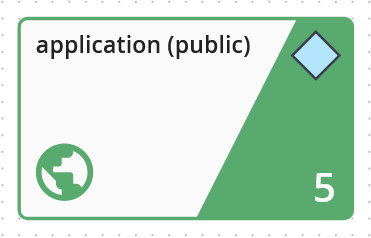
Double-click on the step in the process graphic
Note:
If the step in the process graphic is not yet linked to a form, you will be asked which type of form - modern or classic - you would like to create.
b) The forms overview
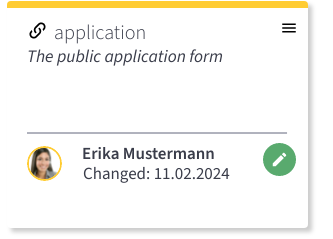
Hover over the form for which you want to call up the form designer.
The pencil icon appears.
Click on the pencil icon to open the form designer.