If you want to edit the properties of the form, click on the menu icon  of the corresponding form in the form overview.
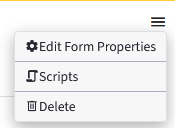
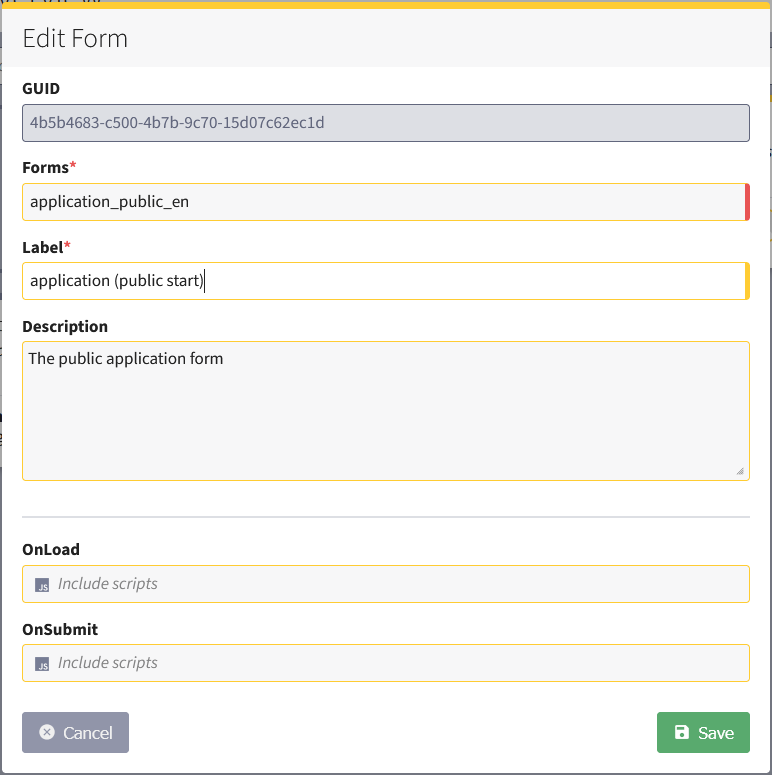
Select Form Properties. A pop-up opens for editing the Form Properties.
Canceling the editing of Form Properties
If you want to cancel editing, click on Cancel or click on the gray area outside the pop-up.
Saving Form Properties
To save, click on Save.
Both Save and Cancel take you to the forms overview.
