Use the toolbox to design and configure your form. It is divided into two areas:
"Elements" tab / Element picker
The "Elements" tab calls up the element picker with layout elements and form elements for structuring the form.
Search
Below the tab you will find a search field which you can use to search for the required dialog elements.
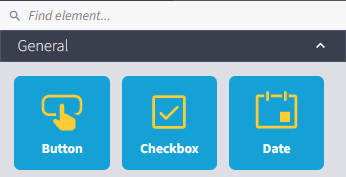
The element picker is divided into two categories:
General
Here you will find the available dialog elements.
For more information on the dialog elements, please refer to the manual page Dialog elements for modern dialogs.
Layout
In the Layout category, you will find the elements for structuring your dialog into individual areas, sections and columns.
For details on the elements, please refer to the Layout elements manual page.
"Options" tab / Element editor
The tab is activated as soon as an element is clicked in the workspace.
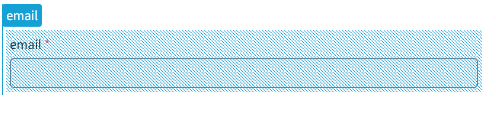
Calls up the element editor with configuration options.
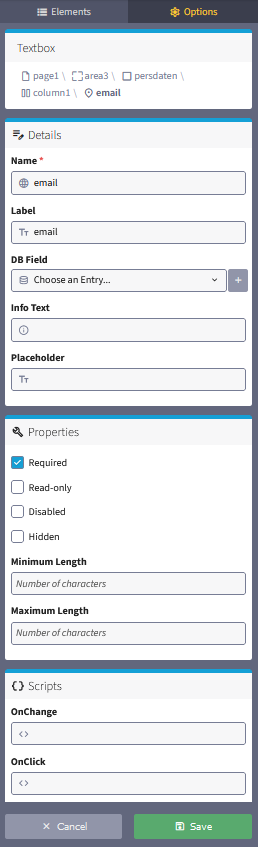
Top box
The page structure of the element is displayed in the upper box with the breadcrumb.
Details, properties and events
For information on the respective options for each element, please refer to the “Form elements” chapter.
Please note: The details, properties and events to be defined may differ depending on the dialog element and development status.
For more information on dialog elements, please refer to the manual page Form elements for modern dialogs.
